 Videos Compressor
Less size. Less friction.
Create smaller MP4 copies for email and messaging, with the actual savings shown after each export.
Compress videos to MP4, add your watermark and make sharing easier. A private Mac app that keeps every video on your device.
Explore the appmacOS 14 or later · Intel & Apple Silicon
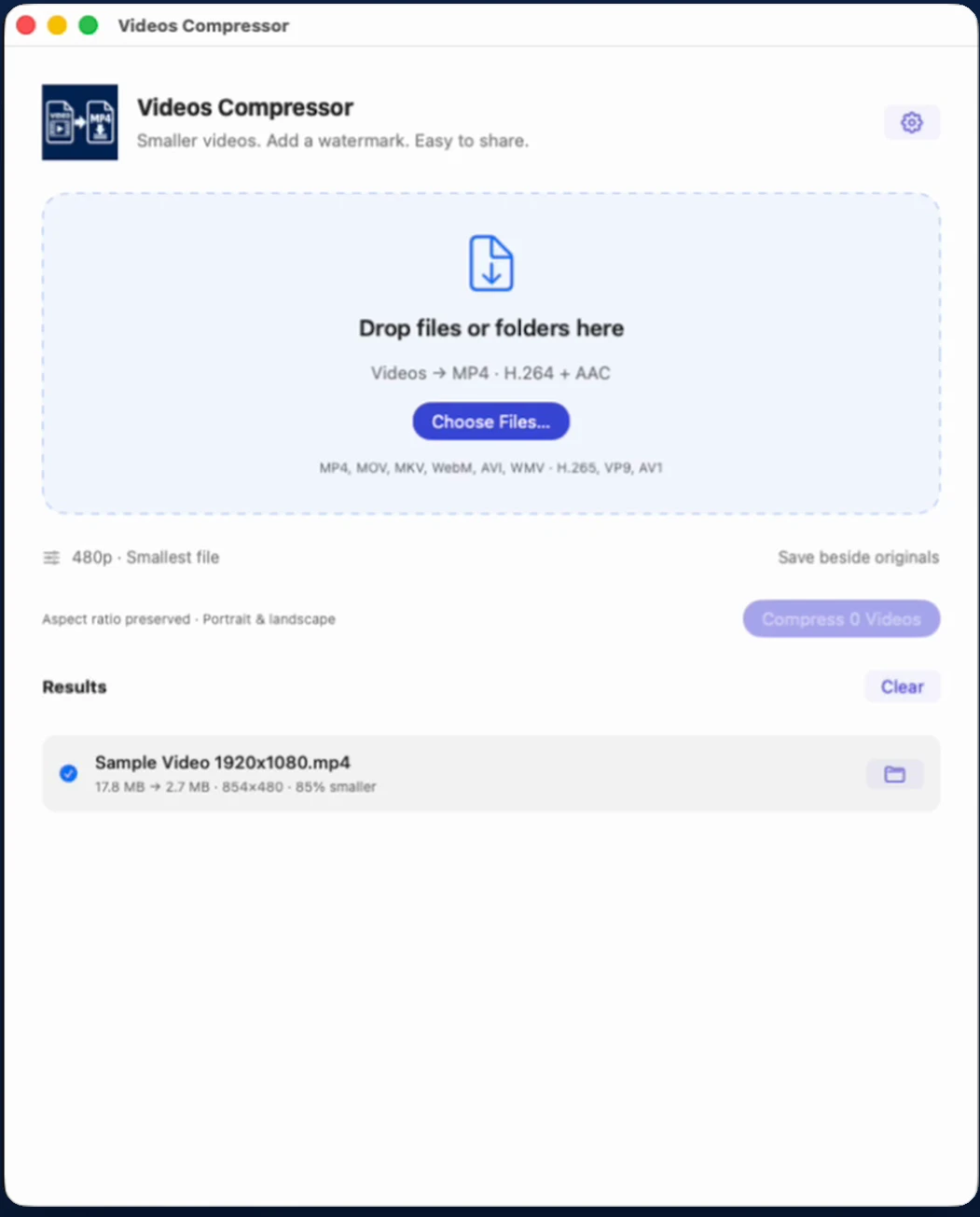
Savings vary by video and settings.
Create smaller MP4 copies for email and messaging, with the actual savings shown after each export.
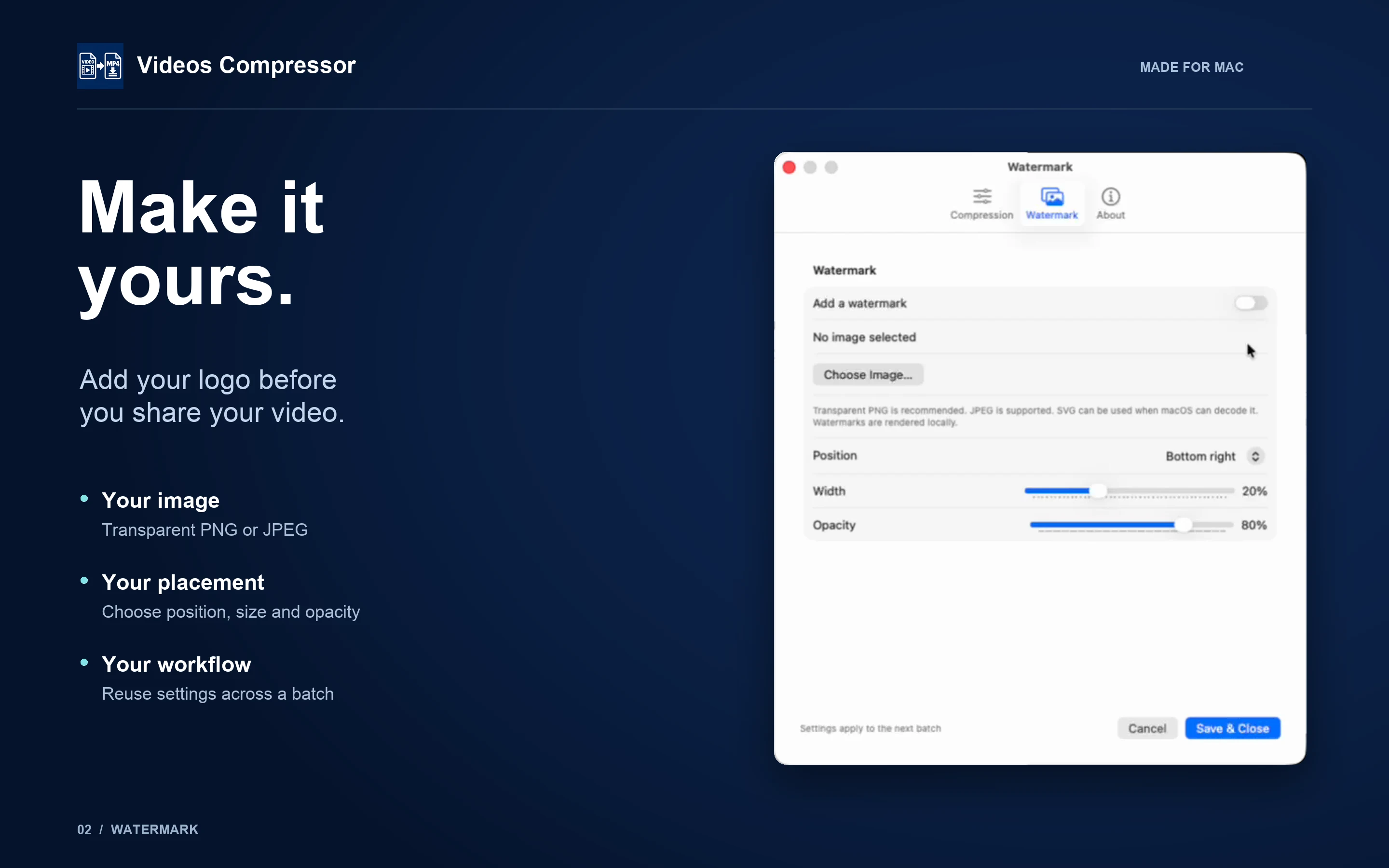
Add your own logo and choose its position, size and opacity. Reuse the settings across your batch.
No uploads, accounts or analytics. Compression and watermarking work without an internet connection.
Choose multiple files, drop videos or folders, or open files from Finder. Folder batches include supported videos in subfolders.
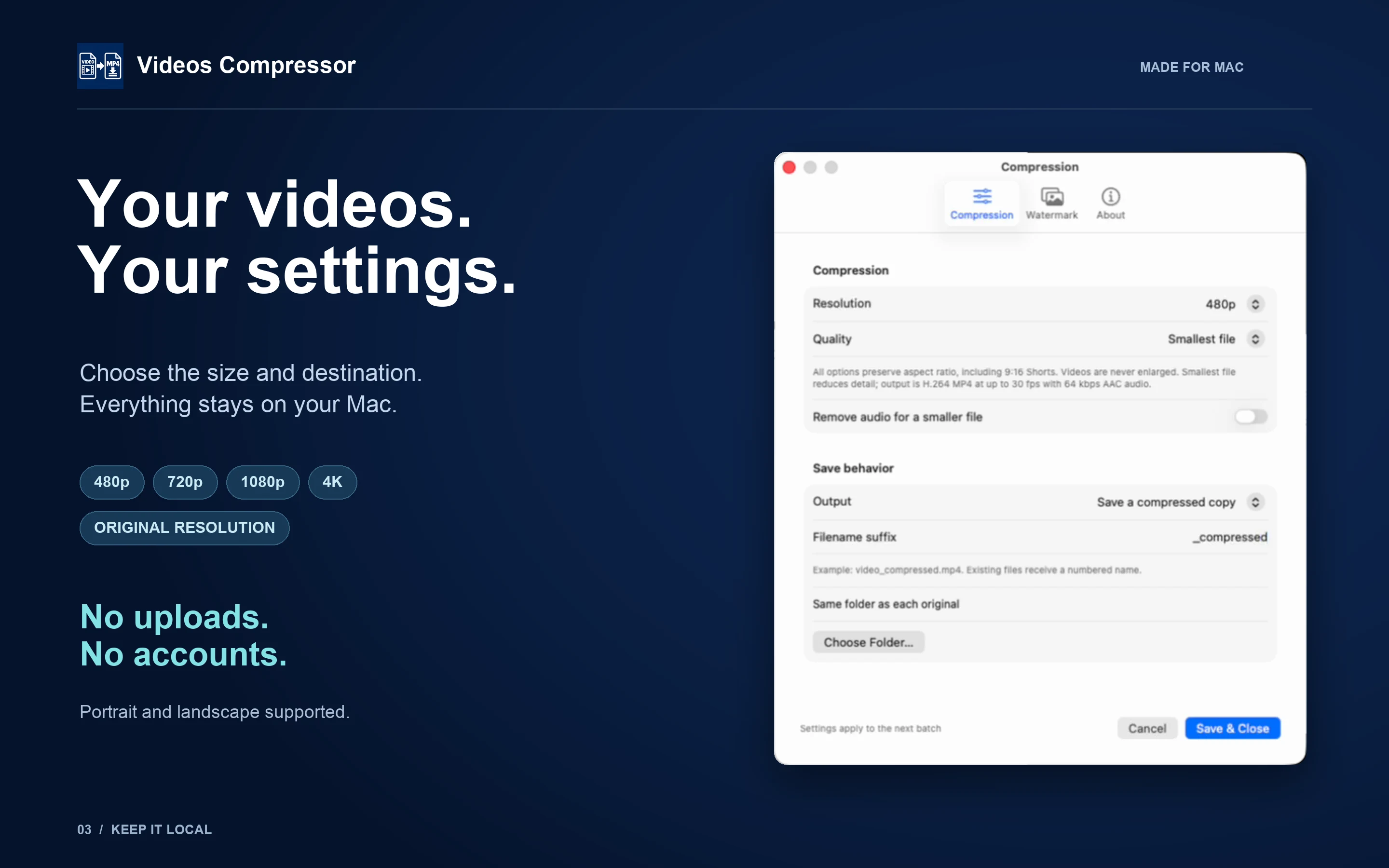
Choose 480p, 720p, 1080p, 4K or original resolution. Pick Smallest file, Balanced or More detail. Remove audio for a smaller file.
Files are processed one at a time with your saved settings. See original size, output size and actual savings.
MP4 · MOV · MKV · WebM · AVI · WMVSupported H.264, H.265/HEVC, VP9 and AV1 streams. Export H.264 MP4 with AAC audio. Apple video acceleration is used when available, with software decoding for other supported inputs.
Use a transparent PNG or JPEG logo to add your mark before you share. Choose its position, size and opacity, then reuse those settings for every video in your batch.
SVG watermarks also work when macOS can decode the image. Everything is rendered locally.
Personal clips. Work recordings. Your next short-form video. Your videos, logos and settings stay local.
No internet connection is required for compression or watermarking.
Landscape, square and vertical 9:16 videos keep their aspect ratio without cropping. Smaller videos are never enlarged.
Keep compressed copies beside the originals or select an output folder. Set a filename suffix; copy mode avoids overwriting existing outputs.
Add your videos, choose a resolution and quality in Settings, save your settings, then click Compress. Start with 480p and Smallest file when a small sharing copy matters most.
Yes. Videos Compressor processes your files and optional watermarks on your Mac. This website does not accept videos for compression.
Savings depend on the source, duration and settings. Compression reduces visual detail; no specific reduction, output size or email attachment limit is guaranteed. Check your output before sharing.
Copy mode keeps originals. Optional Replace original mode replaces a source only after the output passes validation and is smaller. Converted non-MP4 originals move to Trash after a successful export. Keep backups of important videos.
Output is H.264 MP4 at up to 30 fps, with AAC audio unless you remove it. Only the first video and audio streams are retained. Subtitles, additional tracks and source metadata are removed. HDR video is converted to SDR. Protected, damaged or unusual files may not be supported.
Requires macOS 14 or later. Supports Intel and Apple Silicon Macs.
The official App Store link will be added here when available. For questions, use our Contact page. Include your macOS version, file format and error message without sending private videos.
Compress, watermark and work through a batch—all on your Mac.
Contact us →Official App Store link to be added when available.